
Quick Links
ToggleIf you run a restaurant today, people will search for you online before they ever visit. Your menu, your photos, your timings, everything is expected to be just a click away.
In this blog, we are taking a look at how to make a restaurant website from scratch, even if you have never built one before. You will understand what matters, what to include, and how to set it up in a way that actually brings in orders.
Why Every Restaurant Needs a Website
A lot of restaurants still rely only on food delivery apps or word of mouth. That works to an extent, but it also limits control.
When you have your own website, you are not dependent on third-party platforms for visibility or orders. You decide how your brand looks, how your menu is presented, and how customers interact with you.
A website also builds trust. When someone searches your restaurant and finds a proper website with updated information, it feels more reliable. They can quickly check your menu, location, timings, and even place an order without switching apps.
It also helps you avoid heavy commissions. Direct orders through your own website mean better margins and more control over pricing and offers. Over time, this makes a noticeable difference in your revenue.
How to Make a Restaurant Website: Step-by-Step Guide
Here’s a closer look at how to make a restaurant website:
Step 1: Select the Right Website Platform
The platform you choose will decide how smooth your entire process feels later. This is where most people either make things simple or unnecessarily complicated.
You want something that does not require coding, works well on mobile, and already supports restaurant-specific features like ordering and payments.
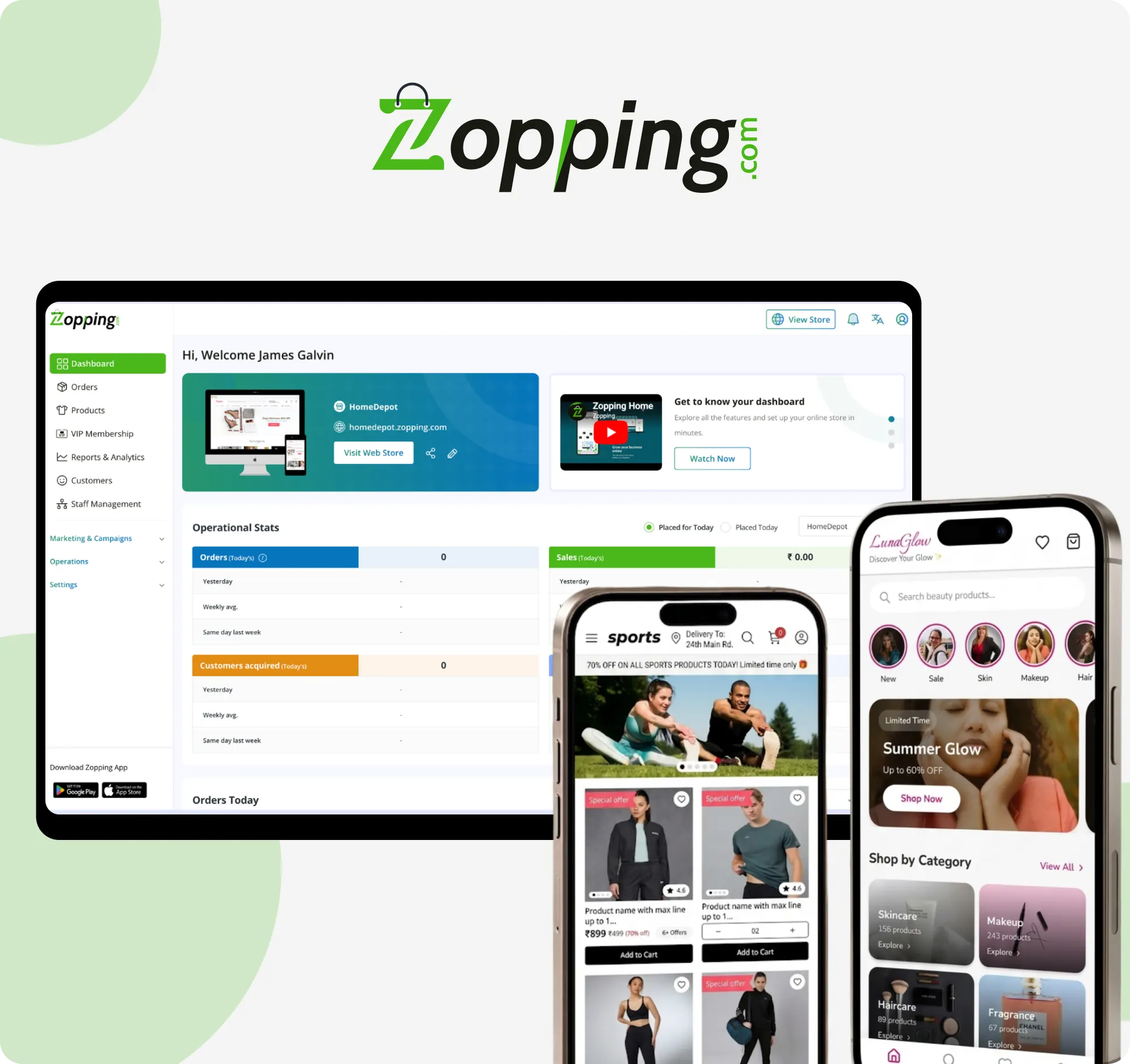
This is where Zopping fits naturally. It is built for businesses that want to get online without dealing with technical setups. You can create your website, manage orders, and handle payments from one place.
When you are comparing options, look for a platform that:
- Works smoothly on phones as well as laptops, since most customers will visit from mobile
- Lets customers place orders directly without needing third-party apps
- Keeps your site secure with proper SSL protection so customer data stays safe
- Allows you to update menus, prices, and content without needing a developer
If your platform covers these basics, you will avoid a lot of problems later.
Step 2: Define Your Website Goals
Before you start designing anything, pause and think about what you actually want your website to do.
Different restaurants have different priorities. Some want more online orders. Others want to increase footfall or showcase their brand story.
Here are a few directions your website can take:
- Let customers place orders directly from your site without extra steps
- Allow table bookings so people can reserve before visiting
- Show your restaurant’s vibe through photos, dishes, and ambience
- Give clear information like timings, location, and contact details
- Build a brand that people remember and come back to
Once this is clear in your head, your website will feel more focused instead of scattered.
Step 3: Choose a Domain Name
Your domain name is your online identity. Keep it simple and easy to remember.
A few things to keep in mind:
- Stick to a name that matches your restaurant and is easy to recall
- Go with common extensions like .com or something relevant to your location
- Avoid tricky spellings that people might type incorrectly
- If your name is common, adding your city can make it more specific
Example: yourrestaurantname.com
If someone hears your name once, they should be able to find you without guessing.
Step 4: Design the Essential Pages
You do not need a complex website. What you need is a clean structure with all important information placed clearly.
Start with these basic pages:
Homepage
This is your first impression. Show your best dishes, a short intro, and clear options to view the menu or order food.
Menu Page
Keep it neat and easy to scan. Group items properly, mention prices clearly, and add photos where it helps.
Order Online Page
Make ordering feel quick and straightforward. Avoid unnecessary steps that slow people down.
About Us
Tell your story in a simple way. Why you started, what you serve, and what people can expect when they order or visit.
Contact and Location
Include your address, phone number, timings, and map. Make it easy for someone to reach you without searching elsewhere.
Offers or Promotions Page (optional)
If you run discounts or seasonal deals, this page helps you highlight them without cluttering other sections.
Step 5: Configure Online Ordering and Payments
This is where your website starts working like a proper sales channel.
You want customers to move from browsing to ordering without confusion.
Set things up so that:
- Customers can choose between delivery or pickup depending on what you offer
- You can control order size by setting a minimum value if needed
- Payments go through smoothly using trusted payment options
- Customers get instant confirmation after placing an order
- They know roughly how long their order will take
A clean checkout flow makes a big difference. If it feels slow or confusing, people leave.
Step 6: Set Up Delivery and Fulfilment Rules
Once orders come in, your backend needs to be just as clear as your front-end.
Think through how you will handle deliveries:
- Decide exactly which areas you will serve, either by pin codes or distance
- Set delivery charges in a way that makes sense for your margins
- Keep realistic preparation times so customers are not left waiting
- Connect delivery partners if you are not handling it yourself
- Make sure orders reach your kitchen system without delays or confusion
This step is where operations and customer experience come together.
Step 7: Optimise for Mobile Experience and Local SEO
Most people will visit your website on their phone. If your site does not load properly or feels difficult to use, they will leave quickly.
Your website should:
- Open quickly without long loading times
- Be easy to scroll and navigate on a small screen
- Have buttons and text that are clear and easy to tap
At the same time, improve your chances of being found locally:
- Mention your restaurant name and location naturally on your pages
- Keep your contact details accurate and updated
- Use simple keywords people might search for nearby food options
How Zopping Helps You Build a Restaurant Website Easily
If you want to avoid technical headaches and go live faster, Zopping gives you a structured way to build your website.
Here’s what you get:
-
No-Code Website Creation
You can design and launch your website without writing a single line of code.
-
Built-In Restaurant Order Management System
Orders, tracking, and updates are handled through the built-in OMS within the platform itself.
-
Integrated Delivery Partner Options
You can connect delivery services without setting up separate systems.
-
Delivery Area Management
Define your delivery areas with area management and control charges easily.
-
Payment Integrations
Accept online payments through multiple gateways.
-
Mobile-Optimised Storefront
Your website is designed to work smoothly on phones from day one.
-
Scalability for Multi-Location Restaurants
If you expand, the platform grows with your business.
Closing Thoughts
A restaurant website is not just something you “have” for the sake of it. It becomes a working part of your business. It takes orders, answers questions, and shapes how people see your brand before they even visit or order.
If you keep it simple and build it with purpose, it can start delivering results sooner than you expect. More direct orders, fewer dependencies, and a better connection with your customers.
Start small if you need to. Focus on getting the basics right. Once that is in place, you can keep improving it over time.
FAQs
How much does it cost to make a restaurant website?
It depends on the platform you choose and the features you need. Basic websites can be quite affordable, while advanced setups with ordering and delivery systems may cost more. Platforms like Zopping bundle many features together, which can reduce overall costs.
Do I need technical skills to create a restaurant website?
Not really. Many modern platforms are built for non-technical users. With tools like Zopping, you can create and manage your website without coding.
What features should a restaurant website have?
At minimum, your website should include a menu, ordering system, contact details, location, and basic brand information. Additional features like offers, reservations, and reviews can also help.
Is it better to have a website or rely on food delivery apps?
Both can work together. Delivery apps help with discovery, while your website helps you build direct relationships and avoid high commissions.
How long does it take to build a restaurant website?
With the right platform, you can set up a basic website within a few hours. More detailed setups may take a few days depending on content and design.
Can I accept online payments directly on my restaurant website?
Yes, most platforms support payment gateway integration, allowing you to accept payments directly from customers.
How can I optimise my restaurant website for local search?
Use your restaurant name, location, and relevant keywords across your pages. Keep your contact details consistent and updated.
What is the best platform to create a restaurant website?
It depends on your needs, but platforms like Zopping are designed specifically to make the process simple while covering ordering, payments, and delivery in one place.