

Quick Links
ToggleRunning an online grocery store sounds manageable when you have 50 products. Add atta, rice, doodh, biscuits, and you are set. But once your catalog crosses a few hundred items, things start slipping. Duplicate listings show up. Prices go out of sync. Customers cannot find what they need.
That is where most stores struggle.
In this blog, we are going to take a proper look at how to manage large grocery catalog online without losing control. If you are figuring out how to start an online grocery store in India, this will help you set things up in a way that still works when your catalog grows.
How to manage Large Grocery Catalog Online
Here’s how to manage large grocery catalog online:
1. Build a Category Structure That Matches How People Actually Shop
Do not overthink categories. Think like your customer.
When someone opens your store, they are not looking for “inventory classification.” They are looking for basic things. Atta. Doodh. Rice. Snacks.
If your structure does not match that, they will not browse. They will leave.
Start With Broad Buckets
Keep your top-level categories simple and familiar:
- Fruits and vegetables
- Dairy and bakery
- Grains and pulses
- Packaged foods
- Beverages
- Household essentials
These should feel obvious. No creative naming.
Add Logical Subcategories
Now break them down just enough to help navigation:
- Grains and pulses → Atta → Whole wheat atta
- Dairy → Milk → Toned milk / full cream
- Snacks → Namkeen → Mixture / sev
Stop at 3 levels in most cases. More than that starts feeling like a maze.
Fix Your Naming Once and Stick to It
This is where most stores mess up.
You cannot have:
- Atta
- Wheat flour
- Chakki atta
as separate product types unless they are actually different.
Pick one naming format and standardise it.
Use SKUs From Day One
Even if you are small, set this up early.
Examples:
- ATTA-AASH-5KG
- RICE-BASM-1KG
- MILK-AMUL-1L
Once you cross 1000 products, this becomes non-negotiable.
Real-World Approach
If you are moving from a physical store, do not upload everything on day one. Start with your top-selling items like rice, oil, sugar, poha, and milk. Then expand.
This also helps if you are planning around the costs to open a grocery store. You are not overinvesting in setup from day one.
2. Treat Product Pages Like Your Salesman
In a physical store, a shopkeeper explains the product. Online, your product page has to do that job.
If it is weak, you lose the sale.
Use Clear and Real Images
- For packaged goods, use clean front-facing images
- For loose items like onions or tomatoes, use actual store photos
- Avoid random stock images that do not match what you deliver
Try to include 2 to 4 images where possible. More helps, but only if they add value.
Keep Descriptions Simple and Useful
Do not write long paragraphs nobody reads. Just answer what matters.
Example:
Product: 1L Amul doodh
Type: Pasteurised milk
Use: Daily tea, coffee, cooking
Storage: Refrigerate
That is enough for most users.
Add Search-Friendly Words
People search differently.
Some type “milk”
Some type “doodh”
Some type “1 litre milk”
Your product should be discoverable in all cases.
Do Not Ignore Image Performance
Heavy images slow down your site, especially on mobile. Good grocery ecommerce website design features should handle compression, fast loading, and zoom properly.
Because if your page takes 5 seconds to load, the customer is already gone.
3. Set Up Pricing, Variants, and Stock Like a System, Not Manually
This is where operations either stay smooth or completely break.
Groceries are dynamic. Milk runs out. Vegetable prices change. Oil prices fluctuate.
If your catalog is not synced, you will end up cancelling orders.
Handle Pricing Properly
- Always show MRP and selling price clearly
- Highlight discounts where applicable
- Update frequently, especially for high-volume items
Use Variants Instead of Clutter
Do not create separate listings like:
- Basmati rice 1kg
- Basmati rice 5kg
- Basmati rice 10kg
Make one product with size options.
Cleaner for you. Easier for the customer.
Keep Inventory Live
If paneer is sold out in-store, it should reflect online instantly.
Delays here lead to cancellations, which directly affects trust.
Set Alerts for Fast-Moving Items
Eggs, bread, milk, curd. These need constant tracking.
If you wait until they hit zero, you are already late.
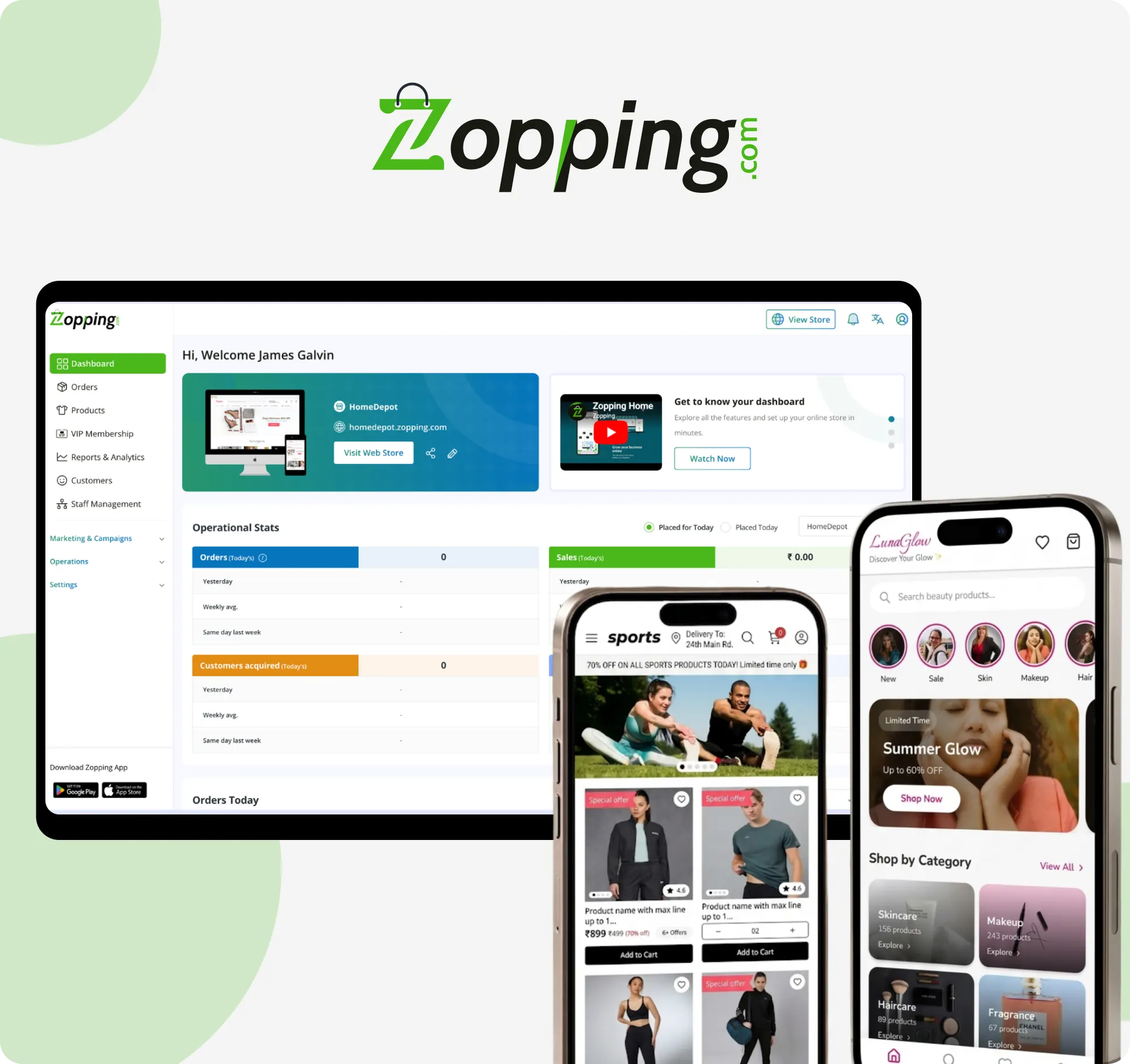
This is exactly where tools like Zopping reduce manual work. They keep your offline and online stock aligned so you are not updating things twice.
4. Make Search and Filters Do the Heavy Lifting
Once your catalog grows, browsing is not enough. People want to search and get results instantly.
If your search is weak, your store feels broken.
Your Search Should Understand Local Language
- Doodh should show milk
- Atta should show wheat flour
- Chana should show chickpeas
This matters a lot in India.
Add Autocomplete
As soon as someone types “su…”, they should see sugar.
This reduces effort and speeds up buying.
Use Practical Filters
Do not overload filters. Keep them useful:
- Price range
- Brand
- Weight
- Organic or regular
- Dietary preferences like Jain
Make Mobile the Priority
Most grocery users are ordering from their phone.
If your filters are hard to use on mobile, they simply will not be used.
If you think about what a grocery store is today, it is not just a physical setup. It is a fast, searchable system.
5. Use a System Instead of Managing Everything Manually
Once your catalog crosses a few hundred items, manual handling stops working.
This is where most kirana stores struggle when going online.
What a Platform Like Zopping Helps You With
- Upload hundreds or thousands of products at once
- Sync inventory between store and online catalog
- Share your catalog directly on WhatsApp
- Adjust pricing based on location
- Manage everything from one dashboard
Why This Matters
Without a system, you will:
- Miss stock updates
- Forget price changes
- Create duplicate listings
- Waste time fixing errors
With a system, most of this becomes structured.
Getting Started
- Upload your current inventory
- Clean up categories
- Adjust product names
- Start small and expand
If you want to understand how grocery stores can go online with Zopping, getting a demo will give you a clearer picture. Get started now!
6. Manage Freshness and Expiry Like a Priority, Not an Afterthought
Groceries are not like electronics. They expire. They spoil.
If you ignore this, you lose money and trust.
What You Need to Control
- Show expiry dates where relevant
- Avoid selling near-expiry products
- Rotate stock properly
- Sync with suppliers regularly
Use Bundles to Move Inventory
If something is slow-moving, pair it:
- Dal + rice combo
- Tea + sugar combo
This helps clear stock without heavy discounts.
This is also part of solving common grocery delivery challenges, where freshness is one of the biggest issues.
7. Keep Updating Your Catalog Based on Real Demand
A grocery catalog is never fixed.
What sells today may not sell next month.
Stay Active With Updates
- Remove out-of-stock items weekly
- Update prices regularly
- Add seasonal products
Examples:
- Mangoes in summer
- Green vegetables in monsoon
- Dry fruits and sweets during Diwali
Track What Is Actually Selling
Do not guess.
Use analytics to see:
- Top-selling products
- Low-performing items
- Repeat purchases
Then adjust your catalog accordingly.
This becomes important when you are planning to scale local grocery store deliveries, because demand patterns will guide your inventory decisions.
Closing Thoughts
Managing a large grocery catalog online is not about listing more products. It is about keeping everything organised, updated, and easy to use.
If your categories are clear, your product pages are useful, your inventory is accurate, and your search works well, your store becomes easier to run and easier to shop from.
If you are serious about scaling, using a platform like Zopping can take a lot of operational pressure off your plate.
If you want to see how this works in a real setup, book a demo and explore how your store can go online without turning into a daily headache.