

Quick Links
ToggleIf you run an eCommerce store, you already know that processing orders quickly and accurately is non-negotiable. Whether you’re selling five items or five hundred, a reliable Order Management System (OMS) helps you stay on top of inventory, fulfilment, shipping, and customer updates all in one place. Without a proper system in place, orders can slip through the cracks, leading to delays, errors, and unhappy customers. In this blog, we’ll break down what an OMS is, how it works in eCommerce, and why it’s such a vital part of running a smooth and scalable online business. Let’s get started.
What is an eCommerce Order Management System (OMS)?
An Order Management System (OMS) is a software solution that helps businesses manage the entire process of receiving, tracking, fulfilling, and returning customer orders. It connects various parts of the order workflow, including inventory, payments, shipping, and customer communication, into one system. This ensures that orders are processed smoothly from the moment a customer places them to the final delivery, making operations more accurate and efficient.
The Order Lifecycle: How OMS Handles Each Step
Let’s break down the journey an order goes through inside an Order Management System:
-
Order Capture
This is the first step where your system picks up the order placed by a customer. It could come from your website, a mobile app, a third-party marketplace, or even social media. The OMS pulls all this information in real time so you can start working on it right away.
-
Order Verification
Once captured, the order details are verified. This means checking payment confirmation, product availability, customer address, and any discounts or offers applied. If something doesn’t match, the system can alert your team or even automatically flag it for review.
-
Order Allocation
Next, the OMS checks your inventory and decides which warehouse or storage location has the item in stock. It ensures that the order is matched with the right product from the right place to save time and cost. If an item is out of stock, the system can update your listings or hold the order until new stock arrives.
-
Order Routing
After allocation, the system routes the order to the right warehouse, store, or partner location for fulfilment. If you have multiple shipping zones or partners, the OMS picks the best option based on distance, cost, or speed. This makes sure orders are packed and shipped efficiently.
-
Shipping
Now the order is handed over to a delivery partner. The OMS keeps track of which shipping carrier is handling the order, and when the package is expected to be delivered. It also updates tracking information so customers can monitor their delivery.
-
Tracking
As the package makes its way to the customer, the OMS continues tracking it. Customers can see updates like “shipped,” “out for delivery,” or “delivered.” If there’s a delay, the system flags it so your support team can step in if needed.
-
Returns and Exchanges
If the customer decides to return or exchange the item, the OMS steps in again. It handles the return request, checks the return policy, and manages reverse logistics like generating a return label and updating inventory once the product is back in stock.
Importance of an Order Management System (OMS)
Managing orders manually can get messy fast. If you’re juggling sales, inventory, shipping, and returns, an OMS helps bring it all together in one place so nothing slips through the cracks.
Here’s why an OMS is important:
- It gives you real-time visibility into orders, inventory, shipping, and returns
- Helps reduce errors in order processing and fulfilment
- Speeds up delivery by automating workflows and syncing with logistics
- Makes it easier to manage orders across multiple channels like website, app, and marketplace
- Improves customer satisfaction by reducing delays and miscommunication
- Keeps all departments aligned by centralising order data
- Supports scaling by handling high volumes during peak seasons
- Reduces manual work so your team can focus on more important tasks
- Tracks order status and performance to help you plan better and make smarter decisions
- Helps you handle returns and refunds smoothly without disrupting the process
What Makes an Order Management System (OMS) Truly Effective?
Here are the features that make an OMS truly effective:
-
Real-Time Inventory Synchronisation
Your OMS should give you one clear view of your stock. Whether it’s in a warehouse, a store, or on a third-party marketplace, inventory should update instantly as orders are placed. This stops overselling, reduces customer complaints, and helps you restock at the right time. It also helps you make smarter decisions about promotions and channel-wise stock allocation.
-
Multichannel or Omnichannel Order Capture
An effective OMS pulls in orders from everywhere you sell. This includes your website, physical stores, social media platforms, and online marketplaces like Amazon or Flipkart. Instead of juggling orders across different dashboards, everything lands in one place. This makes fulfilment smoother and cuts down on missed or duplicate orders.
-
Centralised Order Management Dashboard
You don’t want to juggle spreadsheets, emails, and multiple tools just to manage your orders. A centralised dashboard puts everything in one clean interface. You can view, update, and manage orders from start to finish. This helps your team work more efficiently, spot issues quickly, and ensure no order slips through the cracks. It also makes reporting and decision-making faster.
-
Automated Order Processing
Manual work can slow down the order journey and leave room for errors. A smart OMS automates repetitive steps like validating orders, allocating stock, or updating customers. With automation in place, your operations team spends less time fixing mistakes and more time focusing on growth.
-
Rule-Based Order Routing
Not all orders should be fulfilled from the same place. With rule-based order routing, your OMS can decide the best location to ship from, based on factors like delivery time, product availability, or service level agreements. This improves delivery speed, reduces shipping costs, and helps you fulfil orders more efficiently. You set the rules, and the system follows them automatically.
-
Returns and Reverse Logistics Management
An effective OMS doesn’t stop at order delivery. It also handles returns and exchanges with care. A built-in returns module allows customers to request returns easily, while your system tracks each step, from quality checks to restocking to refunds. This builds trust with customers and keeps your reverse logistics process organised and cost-efficient.
-
Channel-, Product-, and Customer-Level Analytics
Your OMS should not only help you process orders but also show you what’s working and what’s not. With built-in analytics, you can track sales performance by SKU, region, fulfilment node, or customer group. This data helps you make smarter decisions about inventory planning, marketing, and customer service. It gives you the clarity to scale your business with confidence.
-
Extensible Integrations
A good OMS connects easily with your other tools. Whether you’re using an ERP system, warehouse management software, CRM, product information management tools, or shipping carriers, the OMS should plug into everything. With flexible APIs and ready-to-use integrations, you can create a connected tech stack that supports your business without complicated workarounds.
How to Choose the Right OMS
Picking the right OMS for your business is not just about features. It’s about how well the system fits your current operations, how easily it can grow with you, and whether it can handle your real-world complexities. Here’s a checklist to guide you.
-
Define Business Requirements and Edge Cases
Start by getting clear on what your business really needs. Think beyond the basics. Do you deal with bundled products, partial shipments, cash on delivery orders, or multi-marketplace listings? These edge cases can make or break your operations if your OMS doesn’t support them well. Take time to list out all your common scenarios and a few tricky ones too. The more accurate your list is, the better you’ll be at shortlisting systems that actually match your real workflow.
-
Integration Fit and API Readiness
Your OMS needs to connect smoothly with everything else in your tech stack. That includes your ERP, PIM, WMS, carrier partners, and marketplace platforms. Check if the system offers ready integrations or if you’ll need to build them from scratch. If APIs are involved, look at how robust, well-documented, and flexible they are. A good OMS should make it easy to plug in and work with what you already use. If integration becomes a headache, it slows down your team and adds costs fast.
-
Scalability for High Volumes and Peak Days
Order volumes can spike during festive seasons, flash sales, or big campaigns. Your OMS should be built to handle high loads without slowing down or crashing. Look for real-world examples or case studies that show how the system performs during peak days. If your business is growing fast, the last thing you want is to change your OMS again in a year. Choose something that can grow with you and handle scale without needing constant tweaks.
-
Implementation Speed, Support, and Change Management
Some OMS systems take months to go live. Others can be up and running in weeks. Check how long the onboarding will really take, and what kind of support you’ll get throughout. Will you have a dedicated person to guide you, or will you be left to figure it out with generic help articles? Also, consider how the system handles change. As your business evolves, your processes will shift. You need a team that helps you adapt the system quickly, not one that charges extra for every change.
-
Total Cost of Ownership and Future-Proofing
The price tag you see upfront is rarely the whole story. Ask about license costs, integration charges, per-order fees, maintenance, and support costs. Add it all up to get a real picture of the total cost. Then think long-term. Does the system offer features that will be relevant to your next stage of growth? Is it built to handle future channels, new payment types, or upcoming delivery models? The right OMS should stay useful as your business evolves.
Common eCommerce Order Management Challenges and How Zopping Can Help
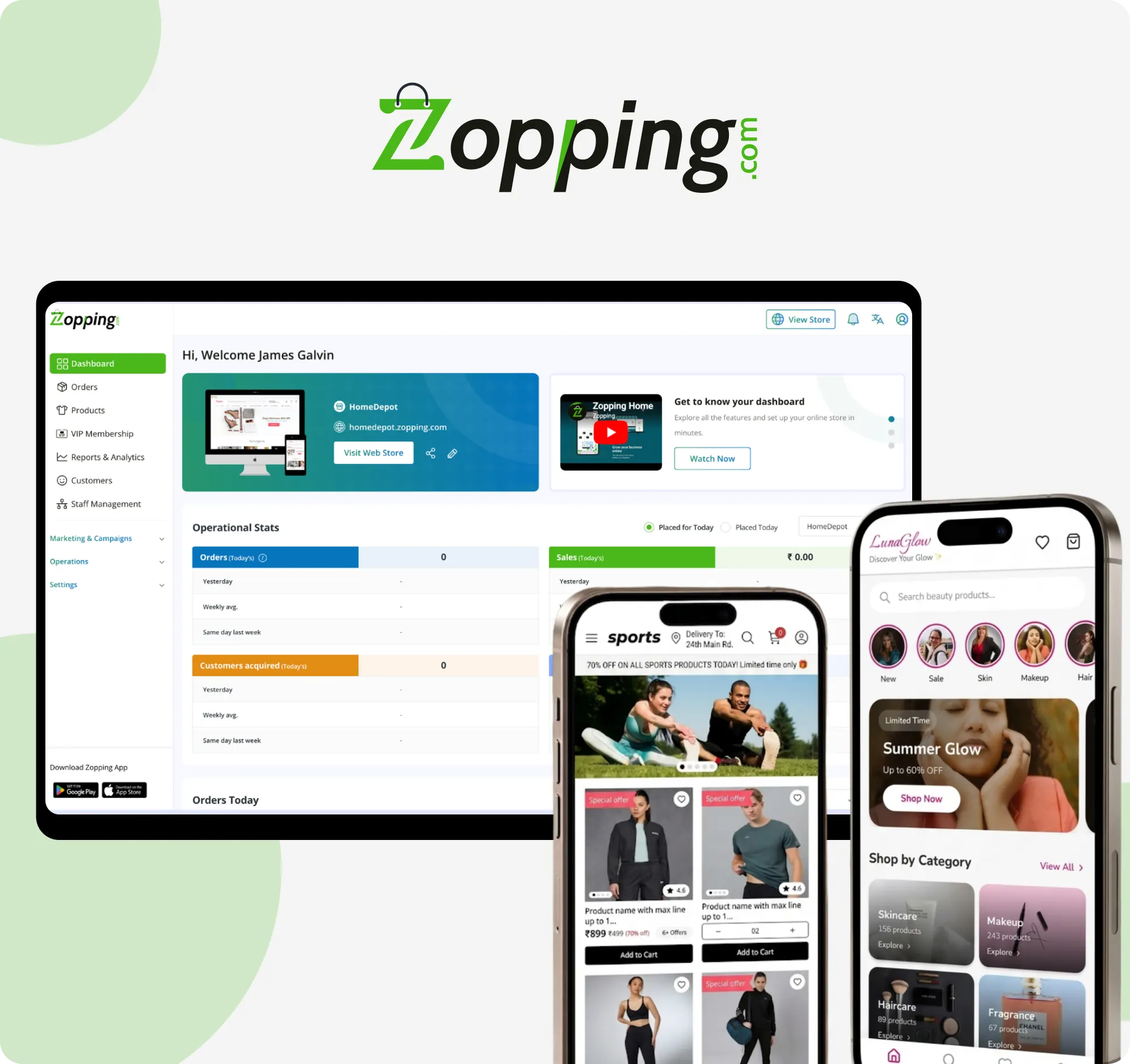
Running an eCommerce business comes with its share of challenges, especially when it comes to managing orders. Zopping is designed to take the stress out of order management by giving you an all-in-one platform that works for hyperlocal and multi-store setups. Here’s how it helps with some of the most common pain points.
-
Overselling and Stockouts
One of the biggest challenges is not knowing exactly what is in stock. When inventory isn’t updated in real time, customers end up buying items that are already sold out. This leads to cancellations, refunds, and unhappy customers. On the flip side, stockouts can mean missed sales just because the system didn’t reflect availability correctly. Zopping solves this with real-time inventory tracking. You also get buffer stock alerts and the ability to upload stock in bulk. This helps you maintain accurate product availability and avoid last-minute surprises.
-
Multi-Channel Fragmentation
Managing orders from your website, mobile app, marketplaces, and offline stores can feel like juggling too many things at once. When each channel has its own system, the data gets fragmented. This leads to mistakes, slows down your operations, and makes it harder to scale. Zopping brings everything into one place. Its dashboard gives you a single view of all your orders, supports multiple stores, and updates in real time. That means less chaos and more control as your business grows.
-
Returns Complexity
Returns can quietly eat into your time and profits. If you’re handling them manually, you might face mismatches in inventory, delays in refunds, and unhappy customers. It also increases the risk of human error, especially when you’re trying to restock or issue reimbursements. Zopping simplifies the entire process. It automates returns, adjusts stock levels instantly, and takes care of refunds without needing constant input from your team. Your customers get faster service, and you keep operations lean.
-
Delivery Delays and SLA Penalties
Delivery issues can really damage your reputation. Missed delivery windows, slow updates, and mismanaged slots often lead to penalties from marketplaces or angry reviews from customers. This gets even more complicated if you’re working with a hyperlocal model. Zopping helps you stay ahead of these problems with built-in delivery tools. You can manage delivery slots with limits and get real time tracking for your orders. It keeps everything running on time so you avoid penalties and keep your ratings strong.
-
Disconnected Tech Stack
Many businesses use separate tools for ERP, CRM, WMS, and PIM. The downside is that these systems do not connect with each other. You end up transferring data manually, which causes delays and errors. Zopping brings all these parts together in one platform. You can manage your catalog, sync inventory and orders, track customer data, and view analytics all from the same place. This saves time and gives you a cleaner, more connected workflow.
Zopping is built for modern eCommerce.
Book a quick demo and see the platform in action.
Closing Thoughts
Order management sits at the heart of your eCommerce business. When it works well, everything feels smoother for your team and your customers. A reliable OMS takes away daily stress, reduces mistakes, and gives you confidence that every order is being handled properly. As your business grows and expectations rise, having the right system in place helps you stay in control and build trust with every order you ship.
Frequently Asked Questions (FAQs)
What is order management in e-commerce?
Order management in e-commerce is the process of tracking customer orders from the moment they’re placed to final delivery. It includes inventory checks, payment confirmation, packaging, shipping, and returns. The goal is to make sure every order is fulfilled correctly and on time.
What is OMS in e-commerce?
An OMS, or Order Management System, is software that helps you handle all aspects of order processing. It connects your store with inventory, shipping, customer service, and other tools to streamline operations and improve accuracy.
What are the 4 types of ordering systems?
The four common types are manual ordering, spreadsheet-based, on-premise software, and cloud-based OMS platforms. Manual and spreadsheet systems suit small setups, while software and cloud OMS tools are better for scaling and automation.
Is Shopify an OMS?
Shopify is primarily an e-commerce platform, but it includes some basic order management features. For advanced needs like multi-channel inventory, automation, and integrations, you may still need a separate OMS that works with Shopify.
How does an OMS integrate with ERP, WMS, PIM, and CRM?
An OMS connects with ERP for finance and planning, WMS for warehouse tasks, PIM for product data, and CRM for customer information. Together, these systems help you manage orders smoothly across different departments and tools.
What’s the difference between OMS and ERP?
An OMS focuses on processing and tracking customer orders. ERP systems handle broader business tasks like accounting, HR, and procurement. OMS is for front-end fulfilment, while ERP manages back-end operations.
How to evaluate OMS total cost of ownership (TCO)?
To evaluate TCO, consider software fees, setup costs, training, maintenance, integrations, and future upgrades. Also factor in time savings and how it improves fulfilment. Compare both short-term and long-term costs before choosing an OMS.