Anika Bajaj
· Updated 20 May 2026 · 7 min read
On this page
Starting a food business today does not always mean opening a dine-in restaurant. Many brands now operate only from kitchens and deliver through apps. In this blog, we will walk you through how to open a cloud kitchen on Zomato, what you need before you begin, and how the entire setup works from start to finish.
Why Open a Cloud Kitchen on Zomato?
If you are planning to enter the food business, listing on Zomato can give you a strong starting push. Here is how it helps.
Boost Your Visibility
Zomato already has a large customer base across cities. When you list your cloud kitchen, you are not starting from zero. Your brand becomes visible to people who are actively searching for food in your area. This can help you get your first set of orders much faster compared to building your own audience from scratch.
Easy Menu Updates and Real-Time Handling
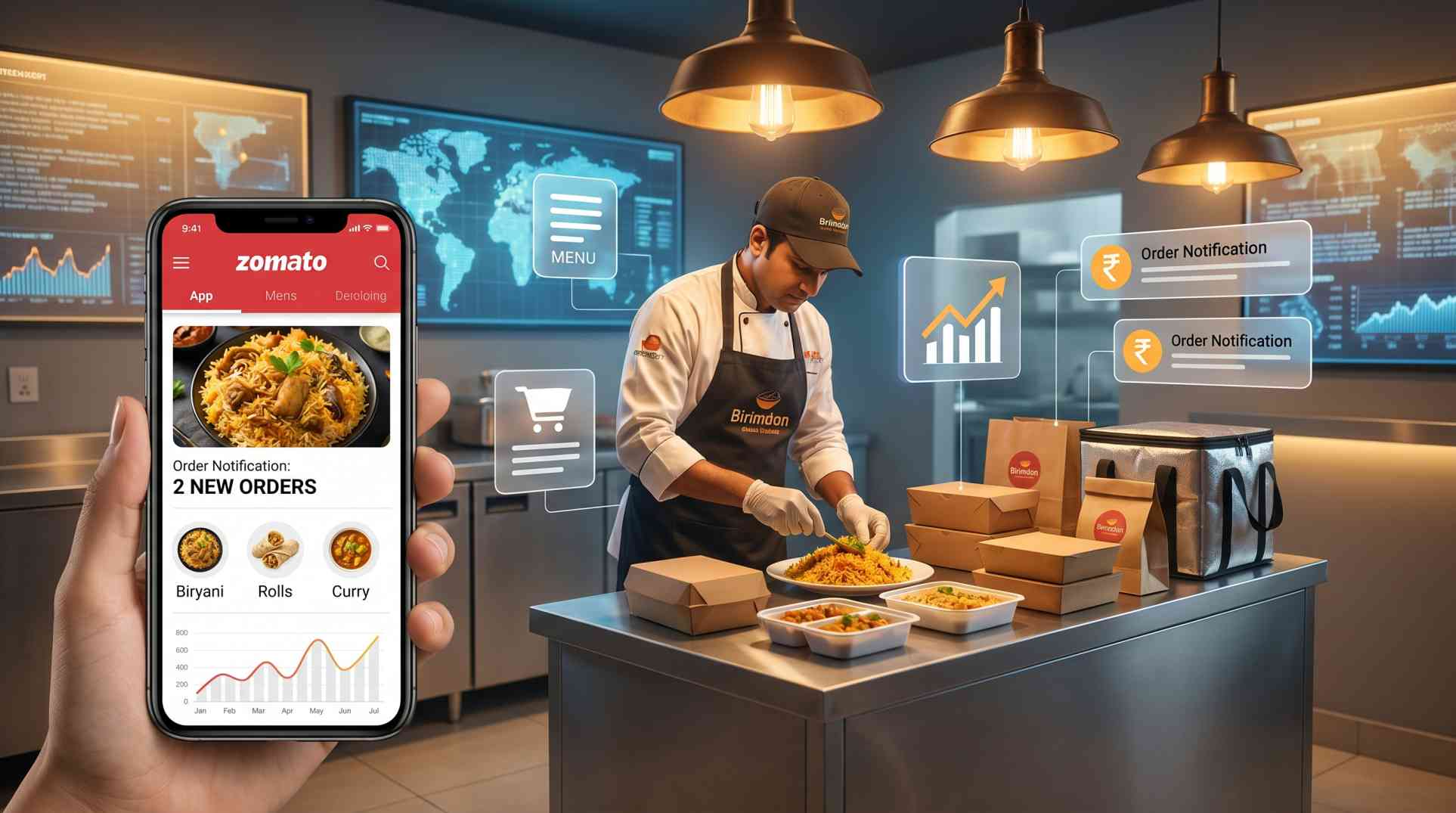
Menus change often in a cloud kitchen. You may want to test new dishes, remove items that are not selling, or adjust pricing. Zomato allows you to update your menu quickly without any technical hassle. Orders are also tracked in real time, which makes daily operations smoother.
Run Promotions and Events Easily
Discounts, combo offers, and festival deals play a big role in attracting customers. Zomato gives you tools to run these campaigns without needing a separate setup. You can experiment with pricing and offers based on demand and competition in your area.
Gain Data Insights to Grow Your Business
Once your kitchen is live, Zomato provides useful data such as order trends, customer preferences, and peak timings. This information helps you understand what is working and what needs to change. Over time, this can improve both your menu and your overall sales strategy.
Requirements to Open a Cloud Kitchen on Zomato
Before you apply, you need to make sure all your legal and basic documents are in place. This part takes some effort, but it is necessary for smooth onboarding.
Legal Requirements
FSSAI License
This is mandatory for any food business in India. It ensures your kitchen follows food safety standards.
GST Registration
You will need a GST number to handle billing and taxation, especially if you are operating at scale.
Trade License
Issued by your local municipal authority, this allows you to legally run a business from your location.
Shop and Establishment Registration
This registration confirms that your business follows local labour laws and working conditions.
Fire Safety Clearance (if required)
Depending on your kitchen setup and city rules, you may need approval from the fire department.
Documentation Required
PAN Card
Needed for identity and tax-related verification.
Bank Details
This is where your payments from Zomato will be credited.
Menu Details with Pricing
You need a clear menu with item names, descriptions, and prices.
Kitchen Photographs
Zomato may ask for images of your kitchen to verify hygiene and setup quality.
How to Open a Cloud Kitchen on Zomato: Step-by-Step Process
Once your documents are ready, the process itself is fairly straightforward. Here is how it usually works:
Step 1: Start on Zomato’s Business Page
Visit Zomato’s partner registration page and enter your basic details. This includes your restaurant or brand name, location, and contact information.
Step 2: Begin the Onboarding Process
Once you submit your initial details, a Zomato representative may reach out to guide you further. They will explain the process and help you move to the next steps.
Step 3: Fill Out the Registration Form
You will need to provide complete business information, including your kitchen address, operating hours, and required licenses. Make sure everything matches your documents to avoid delays.
Step 4: Submit Menu and Images
Upload your menu along with clear images of your dishes and kitchen. Good quality photos can make a big difference once your listing goes live.
Step 5: Verification and Partnership Agreement
Zomato will verify your documents and kitchen setup. After approval, you will be required to sign a partnership agreement that outlines commissions and terms.
Step 6: Account Setup and Going Live
Once everything is approved, your account will be set up on the platform. You can start accepting orders, managing deliveries, and tracking performance from your dashboard.
Also Read : How to Start a cloud kitchen?
Cost of Zomato Registration and Commission Structure
Before you list your cloud kitchen, it helps to understand how the costs are structured.
Registration Fees
There is no fixed fee that applies to every business. In some cases, Zomato runs promotional offers where onboarding is free or comes with reduced charges for a limited time.
In other situations, there may be a one-time setup cost. This usually falls somewhere between ₹5,000 and ₹15,000, depending on your city, kitchen size, and business model.
Commission Charged Per Order
Zomato earns through commissions on each order. This generally ranges between 15% and 30%.
Some businesses may fall into lower ranges depending on their order volume, location, or negotiated terms. For smaller kitchens handling fewer weekly orders, there may be alternative structures where a smaller percentage is charged along with a fixed platform fee per order.
As your order volume grows, there is a chance to negotiate better terms or reduce the overall cost per order.
Payment Cycle and Settlement Process
Zomato collects payments from customers and then transfers your share after deducting commissions, payment gateway charges, and applicable taxes.
You will receive detailed invoices that show all deductions clearly. These are usually shared within a week after the month ends. Payments are settled on fixed cycles, and if a payout date falls on a holiday, it is processed on the next working day.
Also Read : Why Restaurants Need Their Own Website Beyond Delivery Apps
How Zopping Helps Cloud Kitchens Grow Beyond Zomato
While Zomato can bring in orders, relying only on one platform can limit your margins and control. This is where Zopping steps in and helps you build your own system alongside marketplace listings.
Create Your Own Branded Ordering Website
With Zopping’s no code platform, you can launch your own ordering website where customers can place orders directly. This helps you build your brand instead of depending entirely on third-party platforms.
Reduce Commission Costs
Marketplace commissions can add up over time. By driving repeat customers to your own website, you can save a significant portion of your revenue.
Delivery Partner Integration
Zopping allows you to connect with delivery partners, so you can manage logistics without depending only on Zomato’s delivery network.
Delivery Area Management
You get control over where you want to deliver. This helps you manage costs and ensure better service within your preferred zones.
Run Offers Without Platform Restrictions
On your own platform, you can run discounts, loyalty programs, and special deals without following marketplace rules or limits.
Real-Time Order and Inventory Management
Zopping gives you a dashboard where you can track orders, manage stock, and handle operations in real time. This reduces confusion and helps you stay organised as your business grows.
Closing Thoughts
Opening a cloud kitchen on Zomato is a practical way to enter the food business without heavy upfront investment. You get access to customers, tools to manage operations, and a system that is already built for online ordering.
At the same time, it makes sense to think beyond just one platform. Building your own ordering channel alongside Zomato can give you better control over your margins and long-term growth.
If you plan it right, a cloud kitchen can start small, grow steadily, and turn into a strong food brand over time.
FAQs
Tap a question to read the answer.
Zomato usually charges between 15% and 30% per order. This can vary based on your location, order volume, and agreement terms.
The investment depends on your kitchen setup, equipment, and scale. A small setup can start from a few lakhs, while larger operations may require more.
Yes. A cloud kitchen does not require a dine-in space. As long as you have a licensed kitchen and required documents, you can operate purely for delivery.
It can work in the beginning, but depending only on one platform may reduce your margins due to commissions. Many businesses combine Zomato with their own ordering system to improve profitability.
Still have a question?Our team is happy to help you set up your store.
Share this article